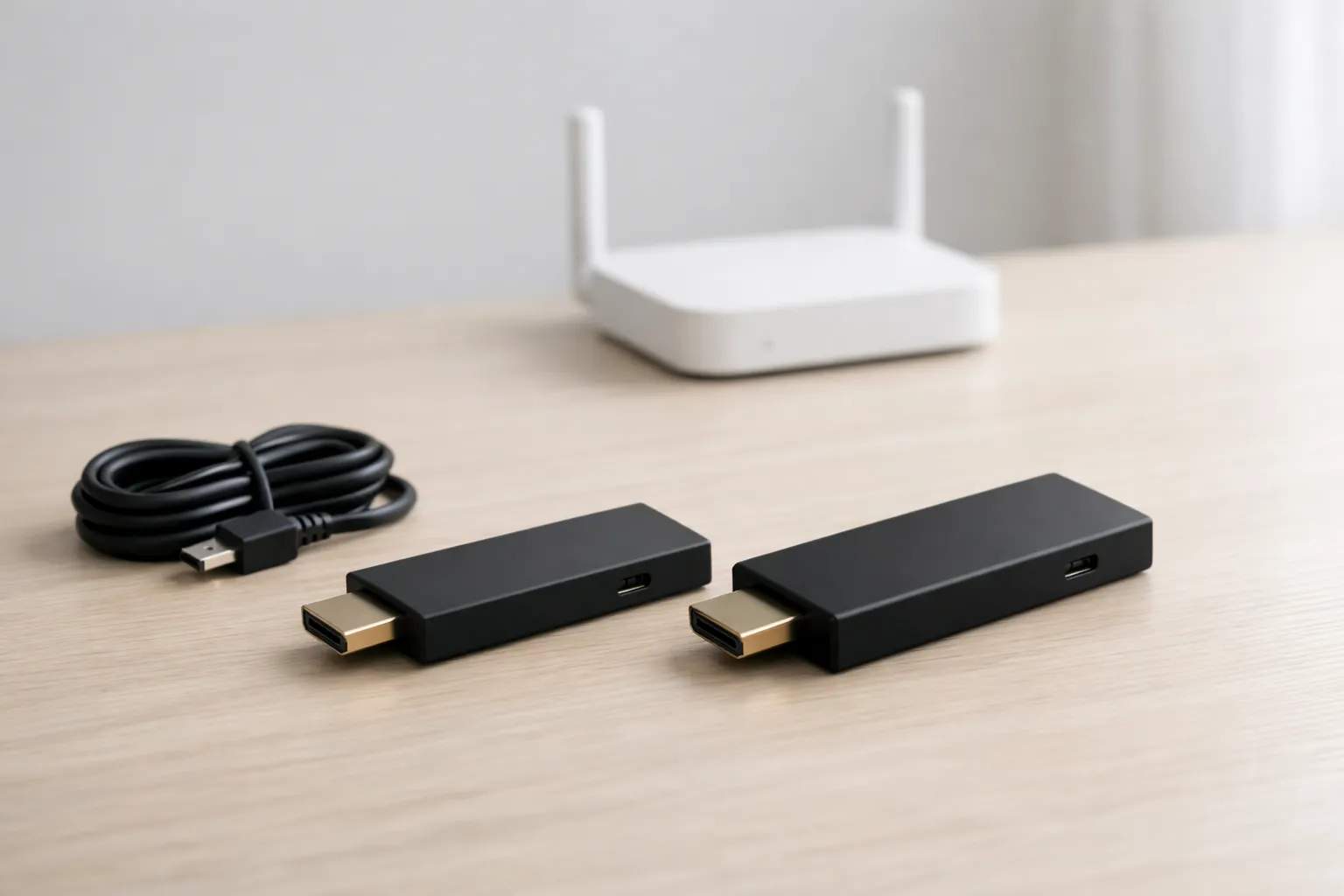
Who is writing: we sell Vivimate, an IPTV subscription, and we have no relationship with Amazon. Every hardware figure on this page comes from Amazon's own developer documentation and its September 30, 2026 product announcement, read on November 9, 2026. We didn't benchmark these sticks, so the advice below says which stick fits which household, not which one wins.
One name, three different sticks
“Fire TV Stick 4K” now covers more than one device. Amazon's developer spec sheet for Fire TV streaming players, last updated September 30, 2026, lists a 2nd-generation 4K from 2023 and a 3rd-generation 4K from 2026, next to the 4K Max 2nd Gen from 2023. The two 2023 sticks run Fire OS 8, which is built on Android 11. The 2026 stick runs Vega OS 2.0, Amazon's own system. That change matters more for IPTV than anything else in the table.
| Amazon spec | Fire TV Stick 4K (2023) | Fire TV Stick 4K Max (2023) | Fire TV Stick 4K (2026) |
|---|---|---|---|
| Software | Fire OS 8 (Android 11) | Fire OS 8 (Android 11) | Vega OS 2.0 |
| Processor | 4 cores, up to 1.7 GHz | 4 cores, up to 2.0 GHz | 4 cores, up to 1.7 GHz |
| Graphics | GE9215, up to 650 MHz | GE9215, up to 850 MHz | G310 V2, up to 500 MHz |
| Memory (RAM) | 2 GB | 2 GB | 1 GB |
| Storage | 8 GB | 16 GB | 8 GB |
| Wi-Fi | Wi-Fi 6 | Wi-Fi 6E, tri-band | Wi-Fi 6 |
| HDR | HDR10, HDR10+, HLG, Dolby Vision | HDR10, HDR10+, HLG, Dolby Vision | HDR10, HDR10+, HLG |
| Ethernet | 10/100, external adapter | 10/100, external adapter | Through an adapter |
| Model code | AFTKM | AFTKRT | AFTCR001 |
The same sheet lists two more 4K sticks you may see in stores: the Fire TV Stick 4K Plus (2025), on Fire OS 8 with 2 GB of memory and 8 GB of storage, and the Fire TV Stick 4K Select (2025), on Vega OS 2.0 with 1 GB. The rest of this page compares the three in the table, because those are the ones searched as “4K Max vs 4K.”
Firestick 4K Max vs Fire TV Stick 4K (2023): the real differences
A common claim, which this page used to repeat, is that the Max wins on memory. Amazon's sheet says otherwise: both 2023 sticks list 2 GB. The differences are elsewhere.
- Storage: 16 GB against 8 GB.An IPTV player keeps its channel list and guide data on the stick, alongside every other app you install. With twice the space, the Max takes longer to fill. If a player on the 8 GB stick starts closing as it opens, clearing that app's cache is worth trying before a reinstall.
- Processor and graphics. The Max lists cores up to 2.0 GHz and graphics up to 850 MHz, against 1.7 GHz and 650 MHz. That shows up as menu and guide speed, not as picture quality.
- Wi-Fi 6E.The Max adds the 6 GHz band, tri-band in Amazon's words. The band only helps when your router also offers 6 GHz; with an older router both sticks connect over Wi-Fi 6 or earlier.
- Picture formats: identical. Both list AV1 and HEVC up to 4K at 60 fps, and HDR10, HDR10+, HLG and Dolby Vision. A channel that looks soft on one will look the same on the other.
Why the 2026 Fire TV Stick 4K changes the pick
Amazon's September 30, 2026 announcement says the new Fire TV Stick 4K is built with its Vega operating system and is faster to launch apps. It also says Amazon has added more than 2,000 apps to Vega, naming VLC among them, and that the Fire TV Stick 4K Max remains a current tier, with other existing models on sale while supplies last.
For IPTV the question is which player you can install. Amazon's Fire OS overview says that if an app runs on Android it will most likely run on Fire devices; that statement is about Fire OS. Nothing we read on Amazon's pages says a Vega stick installs Android apps or turns on Apps from Unknown Sources. On a Fire OS stick, Amazon's developer guide gives the path: Settings, then My Fire TV, then Developer Options, then Apps from Unknown Sources. That is the route our Firestick IPTV setup guide uses with the Downloader app, and the one Firestick Downloader codes, explained covers in detail.
So on the 2026 stick, plan only on players that appear in its own Appstore. Search for the app before you commit, and use the free trial to see whether it takes your login.
Which stick fits whom
- You already own a 2023 Fire TV Stick 4K. It runs the same Fire OS apps as the Max. Keep it unless storage runs out or you have a 6E router.
- You want TiviMate or another player installed with Downloader. Pick a Fire OS stick. Of the current models, Amazon still lists the 4K Max; check the device name under About as soon as it arrives.
- Your player is in the Appstore and you want the newest stick. The 2026 Fire TV Stick 4K can work. Confirm the listing first, and note it lists no Dolby Vision.
- You watch a lot of live sport. Any of them on a cable beats any of them on distant Wi-Fi. Amazon lists Ethernet through an adapter on all three, 10/100 on the 2023 sticks.
That 100 Mbps ceiling is plenty. This site plans for about 25 Mbps per 4K stream, 15 Mbps for Full HD and 10 Mbps for HD; our guide to the internet speed IPTV needs shows how to measure the line at the TV. If streams stall at busy hours on either stick, our IPTV buffering fixes will help more than new hardware. We haven't quoted stick prices: amazon.com didn't load for us today, and they change often.
Vivimate on a Fire TV Stick
On either Fire OS stick, a Vivimate login goes into any player that accepts Xtream; our TiviMate steps for Vivimate walk through one. Message us on WhatsApp with your model for the free 24-hour trial, no card taken. Plans are prepaid, with no contract and no auto-renewal:
| Plan | One device | Two devices |
|---|---|---|
| 1 Month | $19.99 | $31.98 |
| 3 Months | $29.99 | $47.98 |
| 6 Months | $39.99 | $63.98 |
| 12 Months + 2 free | $69.99 | $111.98 |
During the free 24-hour IPTV trial, search the guide for what you watch rather than relying on any channel list. IPTV technology is legal and the seller's rights decide the rest; we don't publish the rights agreements behind our channels, and our guide to whether IPTV is legal sets out the US position. Choosing between device families rather than sticks? Compare IPTV on Android TV or see Vivimate plans and prices.
Frequently asked questions
Does the Fire TV Stick 4K Max have more RAM than the Fire TV Stick 4K?
Not in the 2023 models. Amazon's developer spec sheet lists 2 GB for both the 4K Max 2nd Gen and the 4K 2nd Gen. The Max has 16 GB of storage instead of 8 GB, a faster processor and Wi-Fi 6E. The 2026 Fire TV Stick 4K lists 1 GB.
Is the Firestick 4K Max better for IPTV?
It fits people who keep several apps and a large TV guide on the stick, or who own a Wi-Fi 6E router. Someone with one player and an ordinary router gets the same apps and picture formats from the 2023 Fire TV Stick 4K. We haven't measured either, so this is from the specs.
What changed with the 2026 Fire TV Stick 4K?
Amazon released it on September 30, 2026, built on its Vega operating system rather than Fire OS, with 1 GB of memory. Amazon's Android compatibility statement is made for Fire OS, so check that the player you want is in the stick's Appstore before relying on it.
How do I tell which Fire TV Stick I have?
Open Settings, then My Fire TV, then About; the device name is listed there. Amazon's developer table matches each model to a code: AFTKM for the 4K 2nd Gen, AFTKRT for the 4K Max 2nd Gen and AFTCR001 for the 2026 4K.
Should I upgrade my Fire TV Stick 4K to the Max to stop buffering?
Usually not. Both 2023 sticks decode the same formats, and buffering most often comes from Wi-Fi distance, the router or the time of day. Test the speed at the TV and try a wired adapter before buying new hardware.
Sources
Read November 9, 2026: Amazon Developer, Device Specifications: Fire TV Streaming Media Player (last updated September 30, 2026); Amazon, Fire TV Stick 4K and Fire TV Remote announcement (September 30, 2026); Amazon Developer, Fire OS Overview (last updated October 16, 2026); Amazon Developer, Connect to Fire TV Through ADB (last updated June 28, 2022). Speed figures: our own IPTV internet speed guide. Vivimate prices and trial: our pricing page.
Couldn't read: amazon.com product pages (the server returned an error), so this page gives no stick prices; and no Amazon page we found says whether Vega OS sticks can install apps from outside the Appstore.
New to the service? Start with what Vivimate IPTV is — what it includes, what it costs and how to set it up.