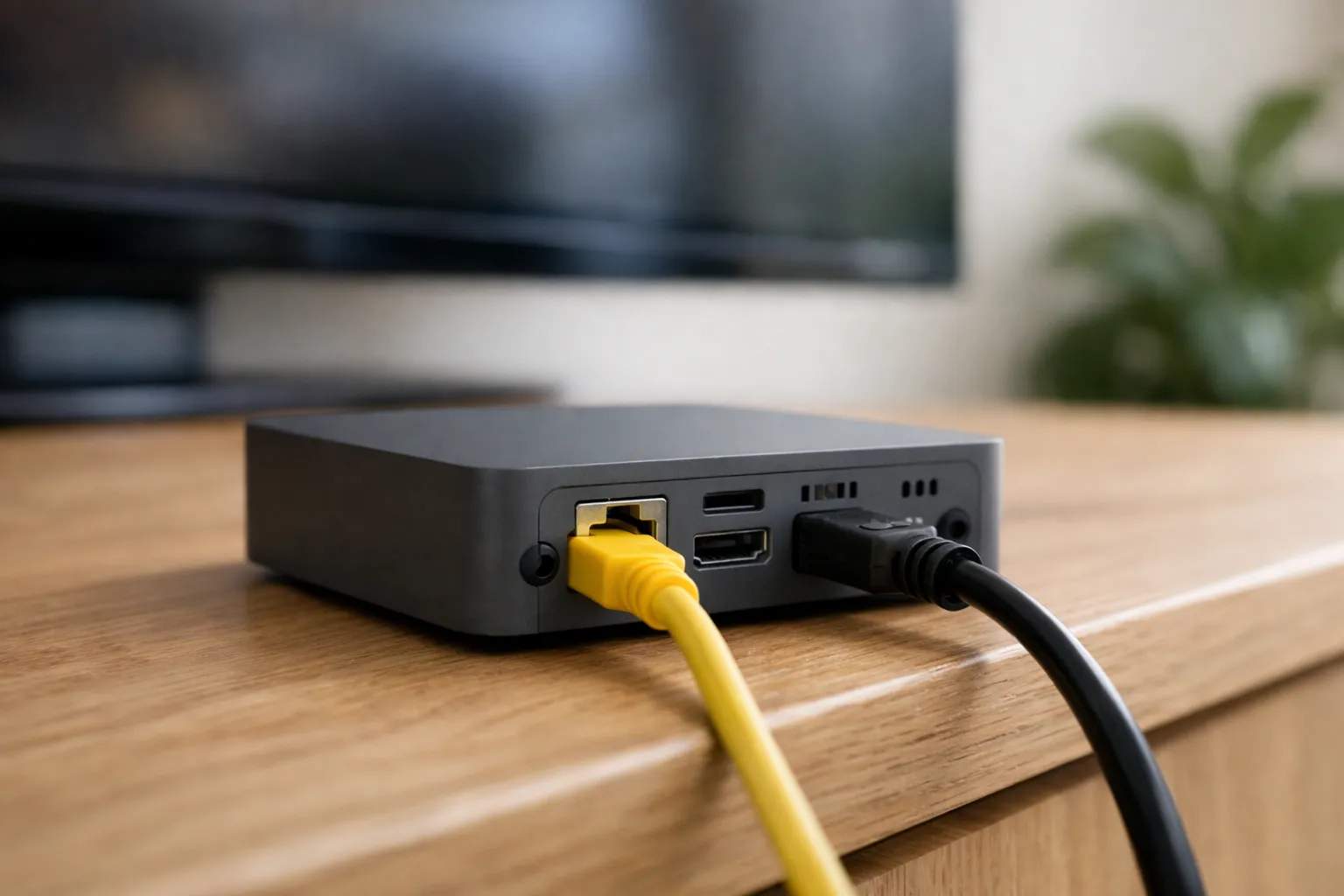
First, our position. We sell Vivimate, an IPTV subscription; we don't sell onn boxes, we didn't build TiviMate, and neither Walmart nor the app's developer pays us. App facts here come from TiviMate's Google Play listing and Google's developer pages, read on November 10, 2026. The onn support site refused our request that day, so hardware details come from two hands-on reviews, named where they appear. We haven't run TiviMate on an onn 4K Pro ourselves.
What you need before you start
- The box, set up and online. Finish the Google TV setup and sign in to a Google account, since Google Play needs one.
- An IPTV login. TiviMate is empty without one. Most providers send a server URL, a username and a password, which is the Xtream Codes format.
- Ten quiet minutes. Typing a long server URL with a remote is the slowest part; having the details on your phone helps.
Why there's no sideloading on this box
Owners coming from a Fire TV stick often expect a Downloader code. The onn 4K Pro doesn't need one. Both reviews we read describe it running Google TV, and Google's developer documentation says all apps built for Android TV work on devices running Google TV. TiviMate's Google Play listing describes an app designed for Android TV and remote control navigation. Put those together and onn TiviMate setup is an ordinary store install.
That matters for safety as well as convenience. Copies of TiviMate passed around as APK files, especially ones labeled “unlocked”, aren't the developer's, and a player app holds your login. On a box with Google Play there is no reason to take that risk. If you also own a Fire TV stick, our Firestick IPTV guide covers the sideload route there.
How to install TiviMate on the onn 4K Pro
Here is how to install TiviMate on onn 4K Pro hardware from the home screen to a playing channel.
- Open Google Play. It sits in the Apps row of the Google TV home screen.
- Search the full name. Typing TiviMate IPTV Player rather than a fragment narrows the results.
- Check the developer, then install. The listing should name Armobsoft FZE.
- Add a playlist. On first launch, choose Xtream Codes and enter the server URL, username and password exactly as sent, including http:// and any port number at the end of the URL.
- Wait, then test. The channel list arrives first and the TV guide follows. Play one live channel you know before you explore.
If your provider sent an M3U link or a portal address instead, the listing says TiviMate takes those too; pick the matching option in step 4. Our Xtream Codes setup guide explains each field, and our TiviMate walkthrough for Vivimate goes screen by screen.
Which onn 4K Pro do you have?
Walmart has sold two versions under the same name. The install above is identical on both, but the ports differ, and that affects recording to a USB drive.
| As reported | 2024 model | 2026 version |
|---|---|---|
| System | Google TV | Google TV |
| Ethernet port | Built in, 10/100 Mbps | Built in, 100 Mbps |
| USB port | Full-size USB 3.0 | USB 2.0 |
| Wi-Fi in the reviewer's test | Not measured | About 500 Mbps |
| Reported by | AFTVnews, May 1, 2024 | Lon.TV, May 10, 2026 |
Sources: AFTVnews's launch report and Lon.TV's review of the 2026 version. We couldn't confirm these against a maker spec sheet.
Cable or Wi-Fi for onn 4K Pro IPTV?
Lon.TV found the 2026 box's Wi-Fi ran faster than its 100 Mbps jack, about 500 Mbps in its own test. Speed alone doesn't decide it, though. This site plans for 10 Mbps per HD stream, 15 Mbps for Full HD and 25 Mbps for 4K, and the reported wired port covers even two 4K streams with room left.
What a cable gives you is steadiness: no walls, microwaves or nearby networks between the box and the router. If the box sits near the router, plug it in. If it doesn't, test Wi-Fi at the hour you usually watch, because evening congestion is when stalls show up. Our guide to the internet speed IPTV needs shows how to measure your line where the TV is.
TiviMate Premium on the onn 4K Pro
The listing names recording and catch-up among TiviMate's features, and the developer sells a paid upgrade, TiviMate Premium, that unlocks app features only, never channels. Google Play lists the app's in-app purchases from $0.99 to $33.99 per item without matching items to features, so check the purchase screen for the current price. Because this box has Google Play, the upgrade is bought inside TiviMate; the TiviMate Companion app is for devices without Google Play. Our TiviMate review covers whether the upgrade is worth it.
When it won't work
| What you see | What to try |
|---|---|
| Search doesn't find TiviMate | Type the full name, TiviMate IPTV Player. If it still doesn't show, install the box's pending system update, restart, and search again. |
| Two similar apps appear | Pick the one whose developer line reads Armobsoft FZE. Others with similar names aren't from the same developer. |
| The login is refused | Paste each detail again, keeping http:// and the port at the end of the server URL. See our fixes for a login that fails to authorize. |
| Channels, but an empty guide | The guide downloads after the channel list. Give it a few minutes, then refresh the guide from TiviMate's settings. |
| Picture stalls in the evening | Swap between cable and Wi-Fi for a night each and compare, and pause big downloads elsewhere in the house. |
For a refused login, our guide to the failed to authorize error lists causes that apply in TiviMate too; for a blank guide, see fixing a TV guide that won't load.
Putting Vivimate on the box
Vivimate sends an Xtream login on WhatsApp, usually within minutes, and the free 24-hour trial needs no card, so you can see how the box, the app and your connection behave together before paying. Plans are prepaid, with no contract and no auto-renewal; TiviMate Premium, if you buy it, is paid to its developer, not to us.
| Vivimate plan | One device | Two devices |
|---|---|---|
| 1 Month | $19.99 | $31.98 |
| 3 Months | $29.99 | $47.98 |
| 6 Months | $39.99 | $63.98 |
| 12 Months + 2 free | $69.99 | $111.98 |
Ask for a trial login for your onn box on WhatsApp, start with the free 24-hour IPTV trial, or compare Vivimate plans and prices. Other players for the same system are in our Android TV and Google TV guide.
Frequently asked questions
Can you install TiviMate on the onn 4K Pro?
Yes. The onn 4K Pro runs Google TV, which includes Google Play, and TiviMate IPTV Player from Armobsoft FZE is listed there as an app designed for Android TV. Google's developer documentation says all apps built for Android TV work on devices running Google TV.
Do I need the Downloader app on the onn 4K Pro?
No. Downloader is the workaround for Fire TV sticks, which have no Google Play. On the onn 4K Pro, install TiviMate from Google Play like any other app, and skip APK files from other websites.
Do I need TiviMate Companion on the onn 4K Pro?
No. The developer says the Companion app exists to unlock TiviMate Premium on devices without Google Play. The onn 4K Pro has Google Play, so any upgrade is bought inside TiviMate itself.
Is the onn 4K Pro good for IPTV?
We haven't run IPTV on one, so we don't rate it. On paper it has what IPTV needs: Google Play for the player and a wired port, which reviewers report on both versions. A free trial on your own box answers the question better than a rating.
Does the onn 4K Pro come with IPTV channels?
No. The box and TiviMate both start empty. Channels come from an IPTV subscription, added to the app as a login. We sell one, Vivimate, and we have no connection to Walmart or to TiviMate's developer.
Sources
Read November 10, 2026: TiviMate IPTV Player on Google Play; TiviMate Companion on Google Play; Android Developers, Google TV; AFTVnews, May 1, 2024; Lon.TV, May 10, 2026. Speed figures: our own IPTV internet speed guide. Vivimate prices and trial: our pricing page.
Couldn't read: onn's support site refused our request (HTTP 403), so no maker specification for either version is quoted, and RAM, storage and price are left out.
New to the service? Start with what Vivimate IPTV is — what it includes, what it costs and how to set it up.