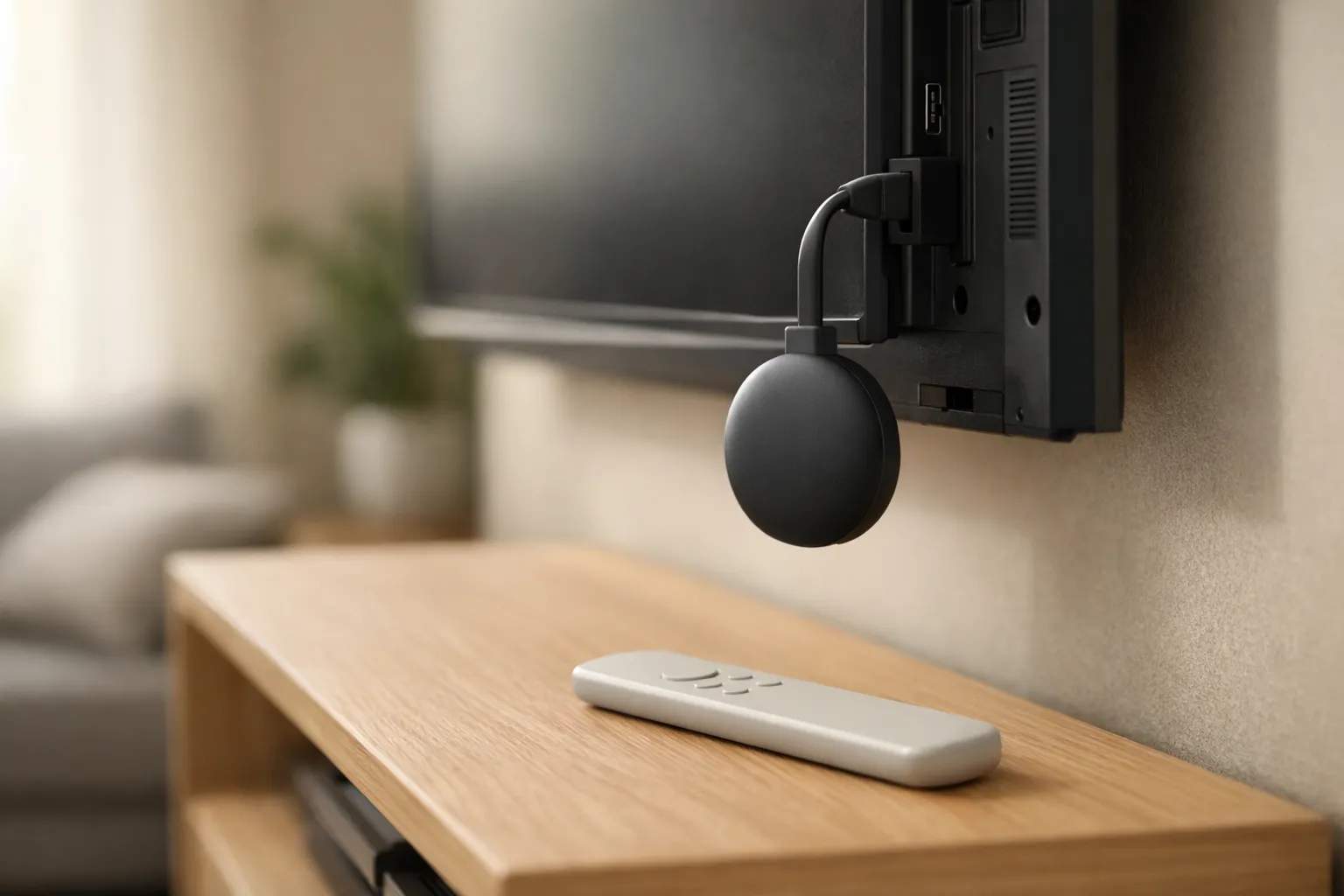
Who is writing: we sell Vivimate, an IPTV subscription. We don't make Google's hardware or any of the players named here and earn nothing from them. Every device detail below comes from Google's own help and developer pages, and every app detail from the app's Google Play listing, all read on November 9, 2026. This page reports no measurements of our own, so it sets out what those pages say rather than how the devices performed.
The one question that sorts every model
Google has sold two kinds of product under the Chromecast name: a receiver with no menu of its own, and a small Google TV computer that plugs into an HDMI port. The fastest way to tell them apart is the remote. If one came in the box, you are on the app route.
Every model, side by side
The table pulls together three Google pages: the Chromecast and Google TV Streamer specifications, the firmware release notes (last updated October 12, 2026) and Google's security update table for its connected-home devices. That last page promises updates for at least five years from when a model went on sale, and says whether each one is still receiving critical fixes.
| Model | Route | Video output | Wired network | Security updates |
|---|---|---|---|---|
| Google TV Streamer (4K) | App | Up to 4K HDR, 60 fps | Built-in, 1 Gbps | Until at least September 24, 2029 |
| Chromecast with Google TV (4K) | App | Up to 4K, 60 fps | Adapter sold separately | Promised to September 30, 2025; still listed as receiving them |
| Chromecast with Google TV (HD) | App | Up to 1080p HDR, 60 fps | Adapter sold separately | Until at least September 22, 2027 |
| Chromecast Ultra | Cast | Up to 4K HDR | Port on the power adapter | Promised to November 6, 2021; still listed as receiving them |
| Chromecast (3rd gen) | Cast | Up to 1080p | None listed | Promised to October 22, 2023; still listed as receiving them |
| Chromecast (2nd gen) | Cast | Not checked | Not checked | Promised to September 30, 2020; still listed as receiving them |
| Chromecast (1st gen) | Cast | Not checked | Not checked | Ended: no software or security updates, no support |
Two details matter for live TV. The Google TV Streamer is the only model here with Ethernet built in; the Chromecast with Google TV models need a separately sold power adapter with a port. And the release notes put the Chromecast with Google TV (4K) on an August 2026 Android security patch, while the HD model's latest build lists October 2025. Google's spec page doesn't give storage for either Chromecast with Google TV; for the Streamer it lists 32 GB of storage and 4 GB of memory.
App route: Google TV Streamer and Chromecast with Google TV
These run Google TV on top of Android TV. The Android Developers page on Google TV says all apps built for Android TV work on devices running Google TV, so the players and steps in our IPTV on Android TV guide apply here unchanged. Google's Install apps on Google TV help page gives two ways in: press the Assistant button or pick Search and name the app, or open the Apps tab at the top of the home screen and browse. The same page notes that installed apps work for every profile except kids' profiles.
Picking a player
A player is an empty shell until you give it a login, so match it to the format your provider sends. Vivimate sends an Xtream login: a server URL, a username and a password.
- TiviMate IPTV Player (Armobsoft FZE). The listing names M3U, Xtream Codes and Stalker Portal, says it is designed for Android TV and remote navigation and isn't optimized for phones or tablets, and states it is a media player only that provides no content. In-app purchases run $0.99 to $33.99 per item, paid to the developer. Our TiviMate steps for a Vivimate login cover its menus.
- XCIPTV PLAYER (OTTRUN). The listing names guide support for an Xtream Codes compatible API, EZServer and M3U links, and is marked “Contains ads.”
From install to first channel
- Install the player through Search or the Apps tab, and check that the developer name under the title matches the one above.
- Open it and choose the Xtream login option rather than the playlist box. A server address pasted into an M3U field gives an empty list, not a helpful error.
- Type the server URL exactly, port number included, then the username and password. Our Xtream Codes setup guide explains each field.
- Give the channel groups and the TV guide a few minutes to fill before judging anything.
Players that aren't on Google Play are a different matter. None of the Google pages read for this guide gives a route for installing apps from outside the store, and the FBI's June 2025 warning on compromised streaming devices lists “requiring Google Play protect settings to be disabled” among its warning signs. If a seller's setup instructions start there, that tells you something about the seller.
Network and storage on these models
Google lists 802.11ac Wi-Fi on both bands for all three. This site plans for about 10 Mbps per HD stream, 15 Mbps for Full HD and 25 Mbps for 4K; our guide to the internet speed IPTV needs shows how to test where the TV sits. If a Chromecast with Google TV stalls during live events, the Ethernet power adapter is the first fix to try, then our IPTV buffering fixes. If a player starts closing on launch, clear its cache in the device's app settings before reinstalling; a large guide download can fill a small device.
Cast route: the Chromecasts without a remote
A 1st, 2nd or 3rd generation Chromecast or a Chromecast Ultra shows only what another device sends it. The player runs on that other device, so the stream travels one extra hop and depends on that device staying awake and on the same Wi-Fi.
From an Android phone. Google's help page on casting your Android screen has you join the same Wi-Fi as the Chromecast, open the Google Home app, press and hold the device tile and choose Cast. It needs Android 8.0 or later, and Google suggests battery saver so the phone lasts the whole session. Because this mirrors the screen, anything else that pops up on the phone appears on the TV too.
From a computer. The Cast from Chrome help page lists the Chromecast, the Ultra and the Google TV models as receivers. In Chrome, open the menu, then Cast, save, and share, then Cast, and pick the device. Cast a tab rather than the whole screen: Google says a tab's sound plays only on the TV, while a screen cast may leave audio on the computer. It also warns that some plugins, VLC among them, won't cast, so this route suits a player that runs in the browser.
Casting is a fair way to try a service. For regular live viewing, a model that runs the player itself takes the phone out of the chain; check the update chart above before relying on an older dongle.
Vivimate on Google TV and Chromecast
Your Vivimate login works in any player that accepts Xtream, on the app route or on a phone that casts. Plans are prepaid, with no contract and no auto-renewal, and each comes as a one-device or two-device version:
| Plan | One device | Two devices |
|---|---|---|
| 1 Month | $19.99 | $31.98 |
| 3 Months | $29.99 | $47.98 |
| 6 Months | $39.99 | $63.98 |
| 12 Months + 2 free | $69.99 | $111.98 |
Try it on your own model first: message us on WhatsApp with the model name, or read how the 24-hour IPTV free trial works. Search the trial's guide for the channels you care about rather than relying on any list. IPTV technology is legal and the seller's rights decide the rest; we don't publish the rights agreements behind our channels, and our guide to whether IPTV is legal covers the US position. All prices are on Vivimate plans and prices.
Frequently asked questions
Can I install an IPTV app on a Chromecast?
Only on the models that came with a remote: Chromecast with Google TV (4K or HD) and the Google TV Streamer. They have Google Play, so a player installs like any app. The remote-less Chromecasts, from the first generation to the Ultra, install nothing and can only receive a cast from a phone or computer.
Which IPTV player works on Google TV?
Any player built for Android TV, since Google's developer documentation says all Android TV apps work on Google TV. Pick one whose Google Play listing names your login type: TiviMate lists M3U, Xtream Codes and Stalker Portal, and XCIPTV PLAYER lists an Xtream Codes compatible API and M3U. We don't rank them.
Is my old Chromecast still getting security updates?
Google's connected-home security table, read November 9, 2026, still shows the 2nd gen, 3rd gen and Ultra as receiving critical security updates, though their promised dates have passed. The 1st gen gets no software or security updates and no technical support.
Does casting IPTV to a Chromecast work as well as an app on the TV?
It works, but the phone or computer stays in charge for the whole broadcast, and a full-screen mirror shows whatever else appears on that screen. For regular live viewing, a model that runs the player itself removes that extra link. This page reports no measurements of our own.
Is it legal to watch IPTV on a Chromecast?
The device and the technology are legal. What decides the question is whether the seller holds the rights to what it streams. We don't publish the rights agreements behind our channels; our guide to IPTV and US law sets out what to look for.
Sources
Read November 9, 2026: Google TV Help, Install apps on Google TV; Chromecast Help, Chromecast and Google TV Streamer specifications, firmware versions and release notes, Cast from Chrome to your TV and Cast your Android screen from the Google Home app; Google, security updates for connected home devices; Android Developers, Google TV; Google Play listings for TiviMate IPTV Player and XCIPTV PLAYER; FBI IC3, public service announcement of June 5, 2025. Speed figures: our own IPTV internet speed guide. Vivimate prices: our pricing page.
Couldn't read: the Google Store spec and comparison pages (one came back truncated, the other as a region picker), so storage for the Chromecast with Google TV models isn't given here; video output and ports for the 1st and 2nd gen Chromecast; and any Google page on installing apps from outside Google Play.
New to the service? Start with the full Vivimate IPTV guide — what it includes, what it costs and how to set it up.