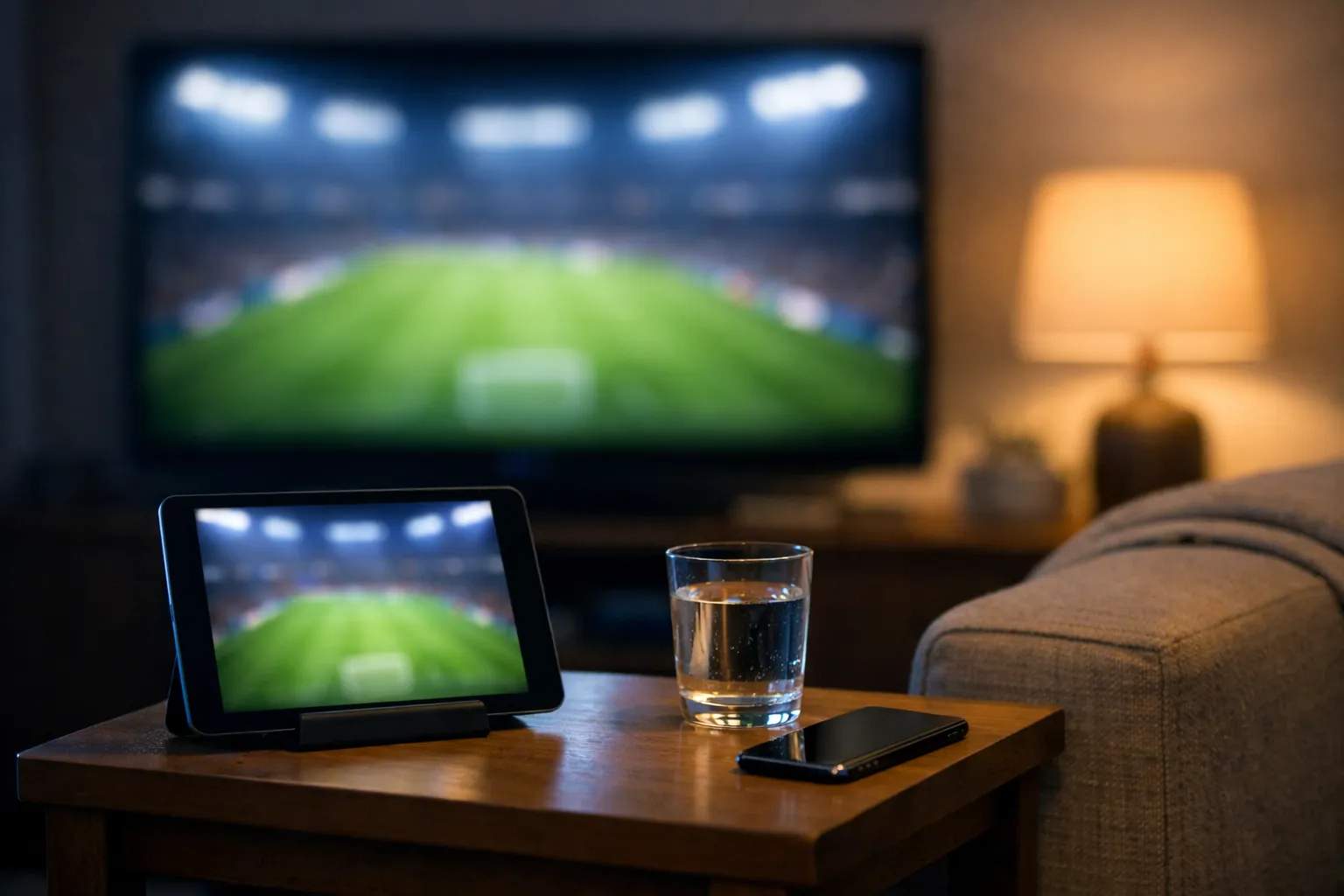
When two Premier League matches share a kick-off, say two 3:00 PM UK games that start at 10:00 AM Eastern and 7:00 AM Pacific this winter, one screen stops being enough. This guide sets up a second one for viewers in the US and Canada. We sell Vivimate, an IPTV subscription, but the advice works with any service. App details come from the Premier League's App Store listing and website, read on November 10, 2026; this page reports no measurements of our own.
Three jobs a second screen can do
The TV has one job: the match. The device next to it can fill in what the broadcast leaves out (stats, the live table, other scores), run your Fantasy team, or play a different game. The first two are light. The third is real video, with the stream limit and bandwidth that come with it.
The league's own app, used beside the TV
On the US App Store the app is “Premier League - Scores, News”, sold by The Football Association Premier League Ltd. It's free with in-app purchases and needs iOS 17 or iPadOS 17 or later. An app with the same name is on Google Play for Android. Here is what the App Store listing describes, and how each part behaves while you watch live:
| Feature | The listing says | During the match |
|---|---|---|
| Matchday Live | Live scores, in-match stats and live table updates | Glance at it at half-time; it can run ahead of your picture |
| Smart alerts | Line-ups, goals and major updates | Keep line-up alerts, switch goal alerts off |
| Fantasy Premier League | Squad management from anywhere | Sort your team before kick-off, not during play |
| Live commentary | Audio from around the league, depending on territory | Usually ahead of a TV stream; skip it while watching |
It won't play the match. The listing says it links to broadcasters' streams where they're available, so the video still comes from the rights holder. The Premier League's app page adds that line-ups land 75 minutes before kick-off, which is when most second-screen fans open it for the first time.
Two games at the same time
You need access to both games before you need a second screen. In the US, NBC Sports holds the rights and spreads matches across NBC, USA Network and Peacock; in Canada, the rights holder is Fubo. Our guide to what channel the Premier League is on keeps the details. NBC's August 2026 season release, read on November 8, 2026, says Peacock offers Multiview, which puts several games on one screen; check whether your plan and device support it before match day. We couldn't confirm a multiview feature for Fubo in Canada.
The other route is two devices, and that brings two conditions:
- Two streams allowed. Each device playing video counts once; a phone running a stats app counts as zero. On a one-stream plan the second device is refused or the first one drops. Our page on how simultaneous streams are counted explains the errors you'd see.
- Enough speed for both. Our working figures are 10 Mbps for HD, 15 Mbps for Full HD and 25 Mbps for 4K, per stream.
The tablet is the easy place to save bandwidth: on a 10-inch screen HD looks almost the same as 4K. The IPTV internet speed guide shows how to test your connection at the hour you watch, and if the picture stalls at kick-off, read about buffering during live sports.
Phone, tablet or laptop
A phone is enough for stats and Fantasy; it lives on the sofa arm. A tablet suits a second game, since the picture is big enough to follow and a stand puts it right beside the TV. A laptop works for fans who want a second game and a stats page side by side. Keep whichever you choose on a charger, because ninety minutes of video plus stoppage time drains a battery, and set it below or beside the TV so your eyes travel a short way.
Keeping the goals for the big screen
Alerts and live-stat apps can update before an internet stream shows the play, and friends watching another service may be ahead of you too. To see goals on the TV first, turn off goal alerts in the league app and in any score, news or betting app, mute the group chat, and save the stats screen for half-time. Possession and the live table rarely spoil anything.
Casting or a separate app?
Casting the match from your phone ties the phone up, and some apps pause the cast when you switch away to check a score. For a two-screen setup, run the match in an app installed on the TV or streaming box. Our guide to watching the Premier League on any device covers which apps run where.
A five-point setup
- Match on the TV's own app. Install the service on the TV or streaming box rather than casting from your phone, so the phone stays free for stats.
- Stats app signed in early. Open the Premier League app before kick-off, pick your club and set which alerts you want.
- Goal alerts off. In the league app and every score, news or betting app on the phone.
- Second game on the tablet. Only if your plan allows two streams at once. Lower its quality to HD; a small screen hides the difference.
- Cable to the TV. Ethernet for the main screen, Wi-Fi for the tablet and phone.
Hosting friends as well? The Premier League watch party guide covers kick-off times across North American time zones, seating and sound.
Two screens with Vivimate
A Vivimate login works in player apps on TVs, streaming sticks, tablets and phones. A TV and a tablet playing at once need a two-device plan:
| Plan | One device | Two devices at once |
|---|---|---|
| 1 Month | $19.99 | $31.98 |
| 3 Months | $29.99 | $47.98 |
| 6 Months | $39.99 | $63.98 |
| 12 Months + 2 FREE | $69.99 | $111.98 |
We don't promise any league, match or channel, and we don't publish the rights agreements behind our channels; IPTV is a legal technology, and what decides a seller's standing is the rights it holds, as our IPTV legality guide explains. Search the guide for what you want during the 24-hour free trial, which needs no card, and message us on WhatsApp to ask whether the trial can cover two screens. Your first plan has a 7-day money-back guarantee when a service problem you report can't be fixed; see the refund policy and the plans and prices page.
Frequently asked questions
What is a Premier League second screen?
Any phone, tablet or laptop you use next to the TV during a match. Most fans use it for live stats, line-ups, Fantasy Premier League or a group chat; some use it to follow a second game that kicks off at the same time.
How can I watch two Premier League games at once?
Play one game on the TV and the other on a tablet or laptop, or use a multiview feature if your service has one. Two separate screens are two streams, so your plan must allow two at the same time, and your connection must carry both: about 40 Mbps for a 4K TV plus a Full HD tablet.
Does the Premier League app stream live matches?
No. Its US App Store listing, read on November 10, 2026, covers live scores, in-match stats, alerts, Fantasy, commentary and highlights, and links to broadcasters' streams where they're available. The match itself comes from the rights holder: NBC, USA Network or Peacock in the US, Fubo in Canada.
Does a stats app on my phone count as a stream?
No. A stats or Fantasy app isn't playing video from your TV service, so it doesn't count toward your stream limit. Only a device playing a channel or a recording from that service counts.
Why does my phone show a goal before my TV does?
Internet streams usually run a little behind the action, and alerts can arrive sooner. The gap varies with the service, device and connection, and this page reports no measurements of our own. Switch goal alerts off if you want to see the goal first on the TV.
Sources
- App Store: Premier League - Scores, News (read November 10, 2026)
- Premier League: the Premier League app (read November 10, 2026)
- NBC Sports: the 2026-27 Premier League season across NBCUniversal platforms (August 18, 2026; read November 8, 2026)
- US and Canada rights holders: the Premier League's broadcaster page, as cited in our channel guide
Couldn't read: the Google Play listing's details (only its title loaded, November 8, 2026), Peacock's device and plan pages (a location notice only), and Fubo Canada's pages (empty, November 9, 2026).
New to the service? Start with Vivimate IPTV — channels, pricing and setup — what it includes, what it costs and how to set it up.