We sell Vivimate, an IPTV subscription for US and Canadian homes,. This page reports no measurements of our own and ranks no cause by how often it happens. The TV facts come from Samsung's, LG's, Amazon's and one app developer's pages, read on November 10, 2026 and listed at the end. For buffering on any device, start with our general guide to IPTV buffering; this page covers only what is different about a smart TV.
First, prove it's the TV
Install the same player on a phone, sign in with the same login, and play the channel that stalls on both screens at once, with the phone held near the TV. It takes five minutes and changes no settings.
If both stall, the TV isn't singled out: your Wi-Fi, your line or the seller is, and the general guide applies. If only the TV stalls, keep reading. Before you do, check the numbers: this site plans on about 10 Mbps per HD stream, 15 Mbps for Full HD and 25 Mbps for 4K, per our guide to the internet speed IPTV needs, measured on the TV, not on the phone.
Three suspects inside the TV
1. The connection
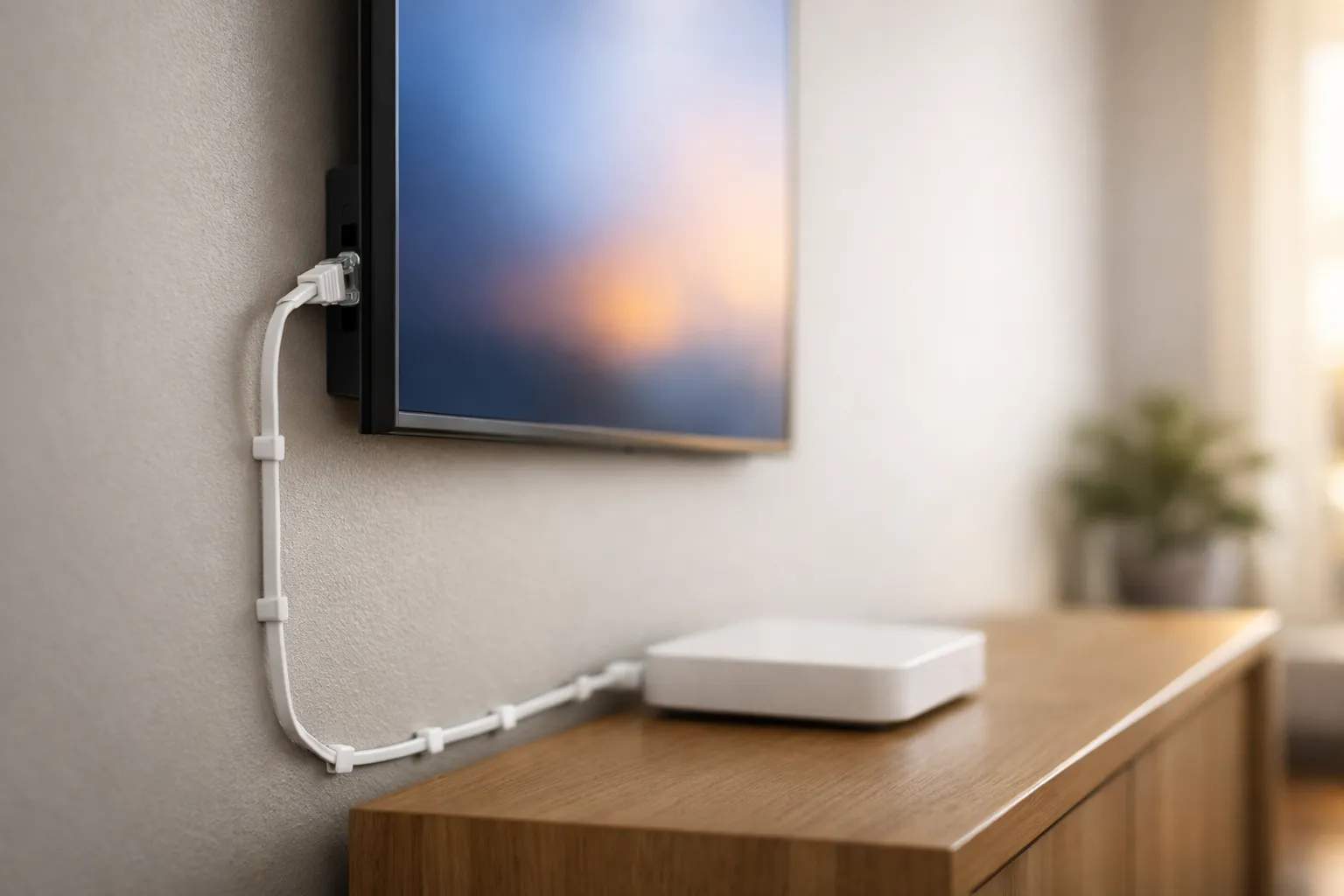
A TV's Wi-Fi antenna lives inside a large panel that is often low on a stand or flat against a wall, frequently a room or two from the router. A phone in your hand has none of those handicaps, which is why the side-by-side test can look so lopsided. Samsung's support page on connection issues (its Canadian site; we found no US copy) says the company generally recommends a wired connection where possible, and that a cable helps reduce buffering and interruptions. Where Wi-Fi is the only choice, it suggests moving the router as close to the TV as possible and clearing walls and electronics from between them.
LG's help article on wired network speed (its UK site) adds a detail worth knowing: the TV uses one network connection at a time, either the cable or Wi-Fi. So after plugging in a cable, open the network screen and confirm the TV switched over. Menu names vary by model and software version; these are the paths the two pages give:
| Step | Samsung (Tizen) | LG (webOS) |
|---|---|---|
| See connection status | Settings, All Settings, Connection, Network, Network Status | Settings, All Settings, Connection, Wired Connection (Ethernet) |
| Power cycle | Unplug TV and router, wait at least 30 seconds | Power-cycle the router, then the TV |
| Reset the link | Settings, All Settings, Connection, Network, Reset Network | Reseat or replace the LAN cable at both ends |
Samsung notes that resetting the network is different from a factory reset; keep the factory reset for last, because it removes your apps and logins.
2. The app's memory
TV apps run in a much smaller space than phone apps. The developer of Smart IPTV, a player sold for Samsung and LG sets, says on its support page that “TVs have limited memory available for app storage,” so a playlist that is too big may fail to save, and it singles out LG's LM series as needing a smaller list. A list with tens of thousands of entries and a full channel guide leaves the player less room to hold video ahead of what you are watching.
The practical checks: close the app fully and reopen it, and if playback is smoother for a while afterwards, memory is a strong suspect. Then trim the playlist to the groups you watch, if your player or your seller lets you, and turn off a guide you don't use.
3. Stream formats fixed by the model year
Live IPTV often reaches players as HLS, a streaming format with numbered versions, and a TV supports only the versions its makers built in. Samsung's developer specifications list HLS version 3 on 2015 models, version 7 from 2016 to 2023 and version 10 from 2024 on. LG's webOS developer page lists HLS 3 up to webOS 3.5, HLS 5 on 4.0 and 4.5, and HLS 7 from webOS 5.0 through 26, and says formats it doesn't mention aren't supported.
We can't tell you which features a given stream relies on, and nothing on these pages says an older version causes buffering by itself. What the Smart IPTV page does say is that every TV make and model differs and may or may not support specific stream formats. If a set from around 2016 stalls on channels that play on everything else, the age of the TV is a fair suspect.
When a streaming stick beats a new TV
If the TV fails all three checks, the cheapest fix is often to stop using its built-in app. A streaming stick brings a current player and its own network hardware. Amazon's specifications for the 2026 Fire TV Stick 4K list Wi-Fi 6 on both the 2.4 and 5 GHz bands, 1 GB of memory, hardware decoding for 4K, and Ethernet through an adapter. Plug it into the TV's HDMI port, put the same login on it, and run the side-by-side test again. Our Firestick setup guide and Android TV guide walk through the install.
If you would rather keep the TV's own app, the model-specific guides cover which players install on which years: IPTV on Samsung TVs and IPTV on LG TVs.
What won't fix a stalling TV
- A faster internet plan. If the phone plays smoothly on the same Wi-Fi, your line already has enough.
- A VPN on the TV. It adds work and a detour; see what a VPN does to IPTV speed.
- A factory reset as a first step. It erases apps and logins and leaves the antenna, memory and formats exactly as they were.
- Changing several things at once. Make one change, then rerun the same channel at the same hour.
Trying Vivimate on your TV
The quickest way to check a smart TV against a stick is with a login you can use on both. Vivimate's free 24-hour IPTV trial needs no card; ask for it on WhatsApp, then run the side-by-side test with it. Plans are prepaid, with no contract and no auto-renewal:
| Plan | One device | Two devices |
|---|---|---|
| 1 Month | $19.99 | $31.98 |
| 3 Months | $29.99 | $47.98 |
| 6 Months | $39.99 | $63.98 |
| 12 Months + 2 free | $69.99 | $111.98 |
A first purchase comes with a 7-day refund window when a service problem you report can't be fixed; problems caused by your TV, the app setup or your home internet are excluded, as the refund policy explains. Compare every option on the Vivimate plans page, and if you already subscribe, send us the TV model, the app and the channel on WhatsApp.
Frequently asked questions
Why does IPTV buffer on my TV but not on my phone?
If both are on the same Wi-Fi at the same moment and only the TV stalls, the stream and your internet line are coping, and the TV is the weaker link. Its connection, the player's memory or the stream formats its model year supports are the usual places to look.
Will an Ethernet cable stop smart TV buffering?
It removes the most common TV-side cause. Samsung's support page recommends a wired connection where possible and says it helps reduce buffering. Plug the cable into the TV's LAN port and the router, then check the TV's network status screen shows it connected.
Why does a big playlist make my smart TV stall?
TV apps get a limited amount of memory. The developer of one popular TV player says a playlist that is too big may fail to save in the TV's memory. A shorter list, or a player that loads the guide in parts, leaves more room for playback.
Is my old smart TV too old for IPTV?
It can be. Samsung and LG both list older streaming format versions on older models, and an app on an old set may struggle with newer streams. A streaming stick costs far less than a new TV and brings a current player app.
Should I factory reset my TV to fix buffering?
Not first. Samsung separates a network reset from a factory reset, and a factory reset wipes your apps and logins. Try a 30-second power cycle, a cable and a network reset before anything that erases the TV.
Sources
All read November 10, 2026. None of these links pay us.
- Samsung Canada: Steps to solve connection issues on your Samsung TV
- LG UK: How to measure wired network speed on an LG TV
- Smart IPTV (siptv.app) support page (TV memory, stream formats)
- Samsung Smart TV developer general specifications (HLS and MPEG-DASH by year)
- LG webOS TV developer: streaming protocol and DRM (HLS by webOS version)
- Amazon Fire TV streaming media player specifications
- Speed figures: our own IPTV internet speed guide. Vivimate prices, trial and refund terms: our pricing page and refund policy.
Couldn't read: a US version of Samsung's or LG's connection troubleshooting page (none found, so the Canadian and UK pages are cited), and the per-year video codec pages that Samsung's and LG's specification pages link to, so no codec claim is made.
New to the service? Start with Vivimate IPTV — channels, pricing and setup — what it includes, what it costs and how to set it up.